How to Type Faster: 7 Proven Tips to Increase Your Typing Speed
Typing is an essential skill in today’s digital world for work, study, and communication. It is now used across most fields, making the ability to type, and type faster, increasingly important for success. This article explores the two main types of typing and their benefits, explains why touch typing is the most effective method, and shares seven practical tips to boost your speed and accuracy; including proper hand placement, posture, keyboard shortcuts, and reading ahead.

How to Type Faster: 7 Proven Tips to Increase Your Typing Speed
Typing is a primary connection between man and computer. As computers have spread far and wide across various fields, the need to learn typing has become essential. From cashiers at department stores to clerks at banks, people with roles that manage huge crowds of people especially need to learn not only how to type accurately, but fast.
Yet this is not a skill most people practice. Typing techniques are barely taught at school level, and everyone is left to learn it on their own. This results in most people not knowing how to improve their typing speed, or how it is even measured.
Typing speed is measured in WPM, which is Words Per Minute. A higher WPM means more words typed in a minute, and vice versa. While it is important that users target to increase their WPM, they should be careful that they increase it with accuracy, as WPM reduces when mistakes are made and corrected. The average typing speed for most people is considered to be around 40 WPM.
This article looks into the benefits of improved typing speed, types of typing techniques, and lists out 7 proven tips to double WPM.

The Benefits of Increased Typing Speed
Enhanced productivity at workspaces: Faster typing means more work done in a shorter time. This applies to simple environments like school to high-profile job roles. In a computer-based world, most work is dependent on computers and hence greater typing speeds improve workflow.
Improved Career Opportunities: As mentioned above, since most jobs require computer proficiency, good typing speeds are valued amongst most hirers. Moreover, better typists are skilled at multitasking, which is very valuable.
Better posture: Users with higher typing speeds use better typing techniques and hence minimize strain to their back, neck, hands, and even eyes.
Greater Accuracy: Contrary to popular belief that speed reduces quality, practicing for greater typing speed improves muscle memory and hence typing accuracy.
Two Main Techniques of Typing
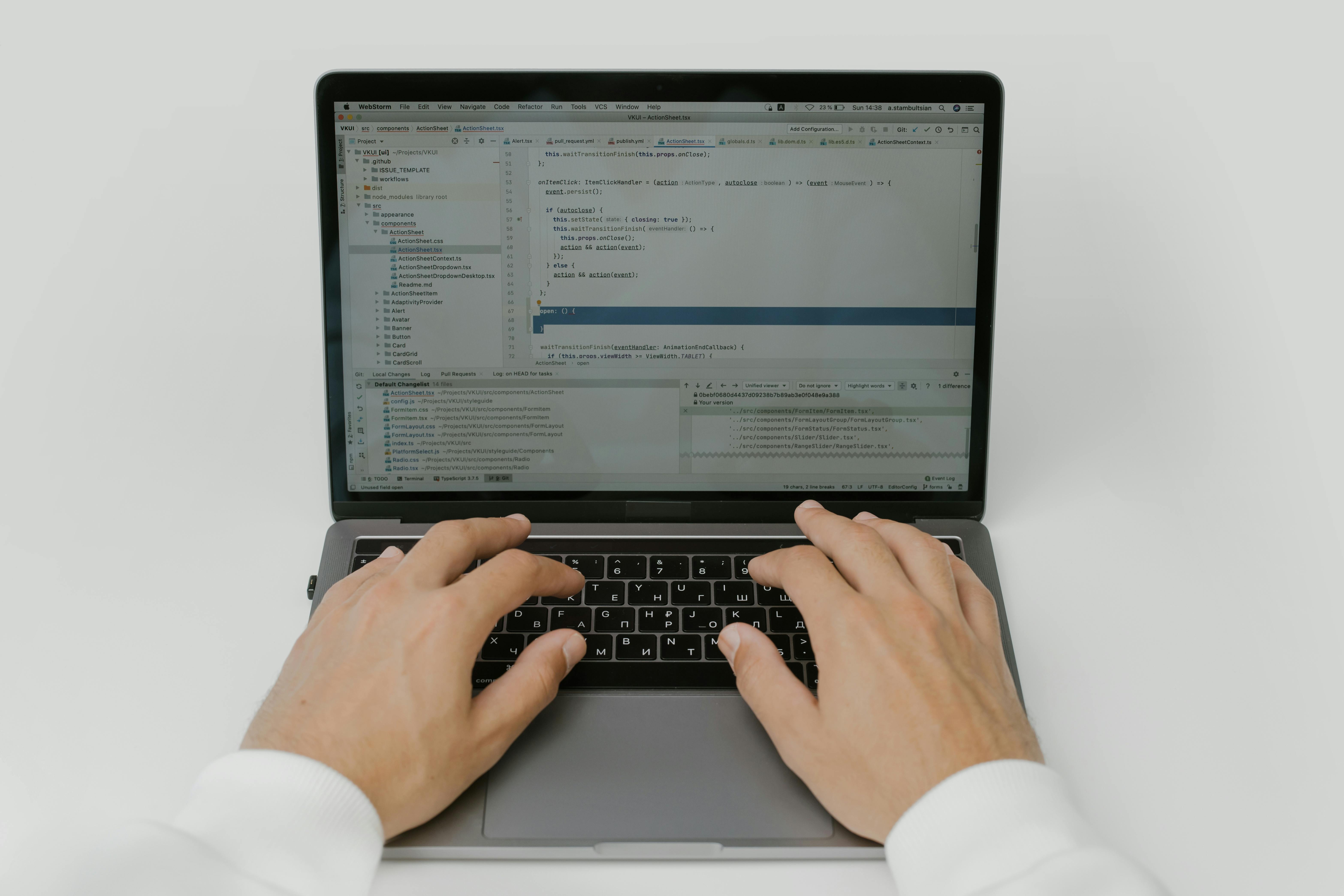 Touch typing and "hunt and peck" typing are the two main techniques of typing.
Touch Typing
This is when the user focuses on the screen and avoids looking at the keyboard while typing. The user trains himself to type without looking at the keyboard, and eventually his muscles memorize the location of the keys. All the fingers are used while touch typing.
Hunt and Peck Typing
This is when the user usually uses just two of his fingers to "hunt" for the keys and "peck" them. This technique involves constantly looking at the keyboard, and not muscle memory.
The 7 Proven Tips to Improve Typing Speed
Master Touch Typing: The Secret to Typing without Looking

Touch typing is widely considered the best typing technique due to several reasons.
Better focus: As the user isn't distracted by the keyboard, he can remain focused on what's on the screen and maintain creative flow.
Minimized body strain: Touch typing includes sitting with a proper posture and hand-finger placement. This means users can type better and faster with less effort.
Multitasking: Users can take notes in meetings or lectures while focusing on the presenter as he doesn't have to look at the keyboard.
There are many sites that teach touch-typing in brief lessons, and most of these are free.
Fundamentals of Typing: Proper Hand Placement
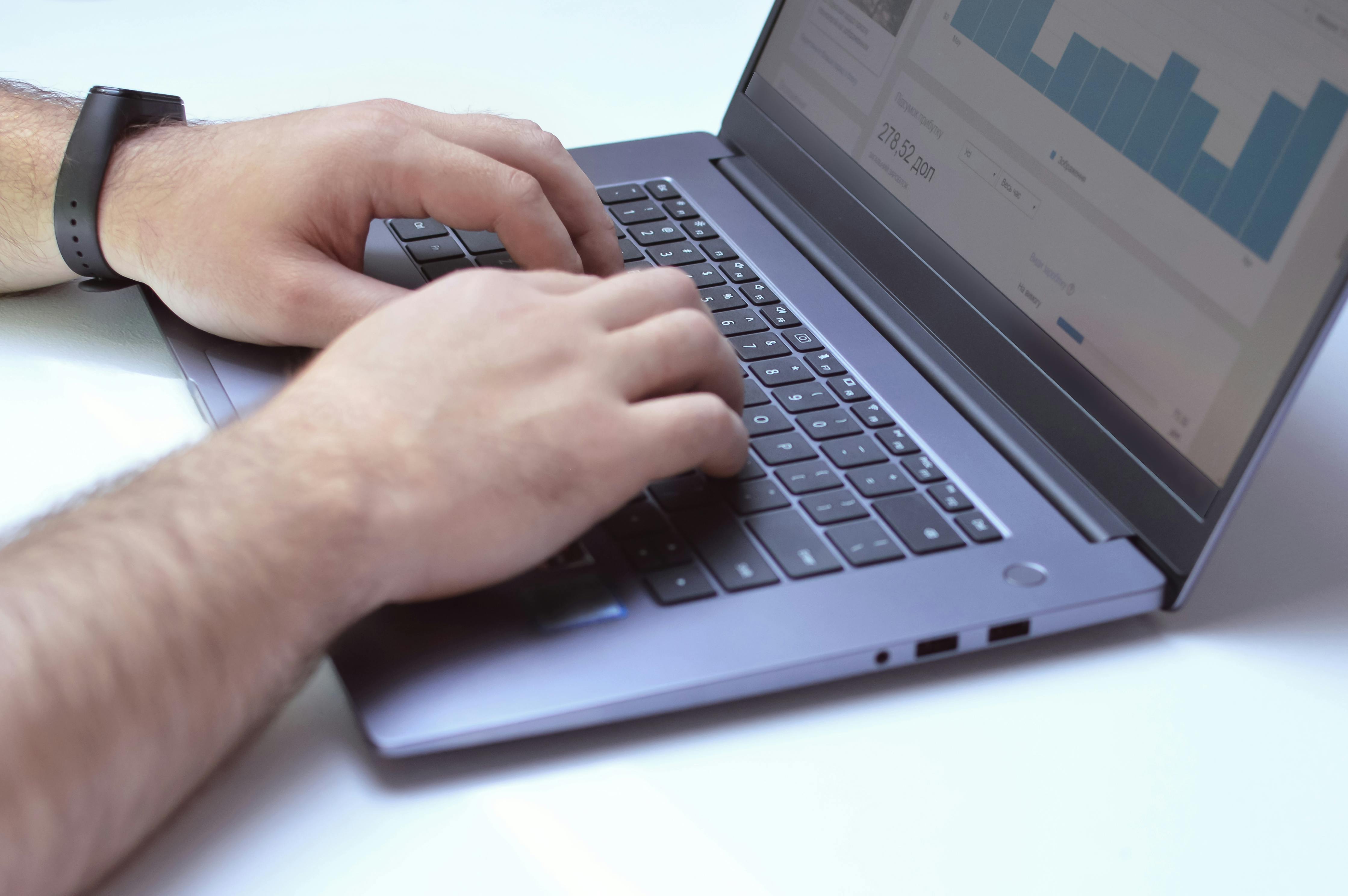
A fundamental of typing, especially touch typing, is to place the fingers on the right places. This makes it easier to reach the keys faster with less effort.
Place both thumbs over the spacebar.
Place the other four fingers of the left hand over the keys A, S, D, and F.
Place the other four fingers of the right hand over the keys J, K, L, and ;.
Learn Keyboard Shortcuts
There are many keyboard shortcuts and learning them will remove the need to reach for the mouse or mouse pad all the time. This saves a lot of time as the user doesn't have to drag the mouse and right click on something to do what he wants to.
Some fundamental keyboard shortcuts are Ctrl + C for copy, Ctrl + X for cut, and Ctrl + P for paste.
An important shortcut that most people don't know is Ctrl + Backspace, which eliminates an entire word. Instead of clicking backspace many types on an erroneous word, users can simply press Ctrl + Backspace and retype the word faster.
Read Ahead
If typing is about copying writing from somewhere, users should read ahead to be able to type faster.
Proper Posture
Users should sit with their backs and necks straight and keep their arms flat on the desk. The desk should be the height where the arms can be kept flat without reaching. It is best if the screen is level with the user's head.
Prioritize Accuracy Over Speed Initially
Speed compounds over time, but if typing is learnt without accuracy, users may experience frequent errors in their typing which will reduce all the gained speed. In the beginning, users should focus on pressing the right keys without looking at the keyboard and allow speed to grow naturally.
Practice Makes Perfect: Practice, Practice, and Practice
Regular practice is crucial to develop any skill, and typing is no different. After learning the basics of touch typing, if users can put few minutes every day, or every few days, or even once a week, they will definitely observe a great improvement in their typing speed and accuracy.
There are plenty of websites on the Internet to do this, and most of them are free.
Wrapping Up: From "Hunt and Peck" to Pro Typist
With an average speed of 40 WPM, most people can only type 2400 words an hour. Increasing that to 60WPM alone makes it 3600 words an hour, on top of all the aforementioned benefits of touch typing.
Making simple fixes to the daily approach to typing, like avoiding the "hunt and peck" technique and switching to touch typing, sitting with good posture and hand placement, learning keyboard shortcuts, and regular practice will beyond any doubt double users' WPM in no time.
Comments (0)
Leave a comment
No comments yet. Be the first to share your thoughts!
About the Author

Physical Science Undergraduate, Writer, and Author. Passionate day-dreamer. When I'm not dreaming worlds and fiery stories, I write articles on self-help, writing, books, and travel. To read more of my work, find me on Medium: https://medium.com/@shammasrishard